
Skip to content

What's happening

Welcome to ‘What’s Happening’ – the heart of PartnersInCare.org! Dive into our world where compassion meets action. Join us on a journey of community, support, and empowerment as we shine a spotlight on the stories, events, and initiatives shaping the lives of our Older Adult Members for the better. From uplifting testimonials to impactful projects, discover the joy of making a difference.

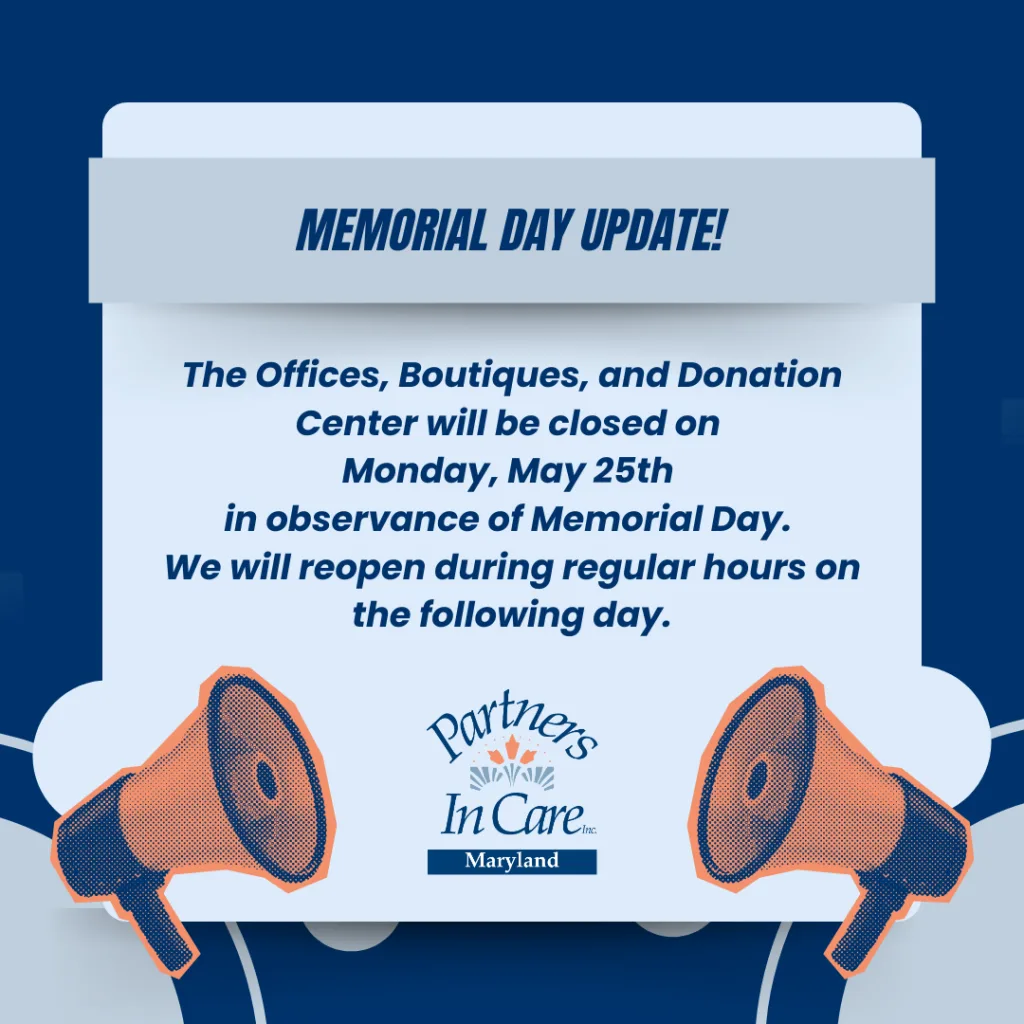
Memorial Day Update!

Read More

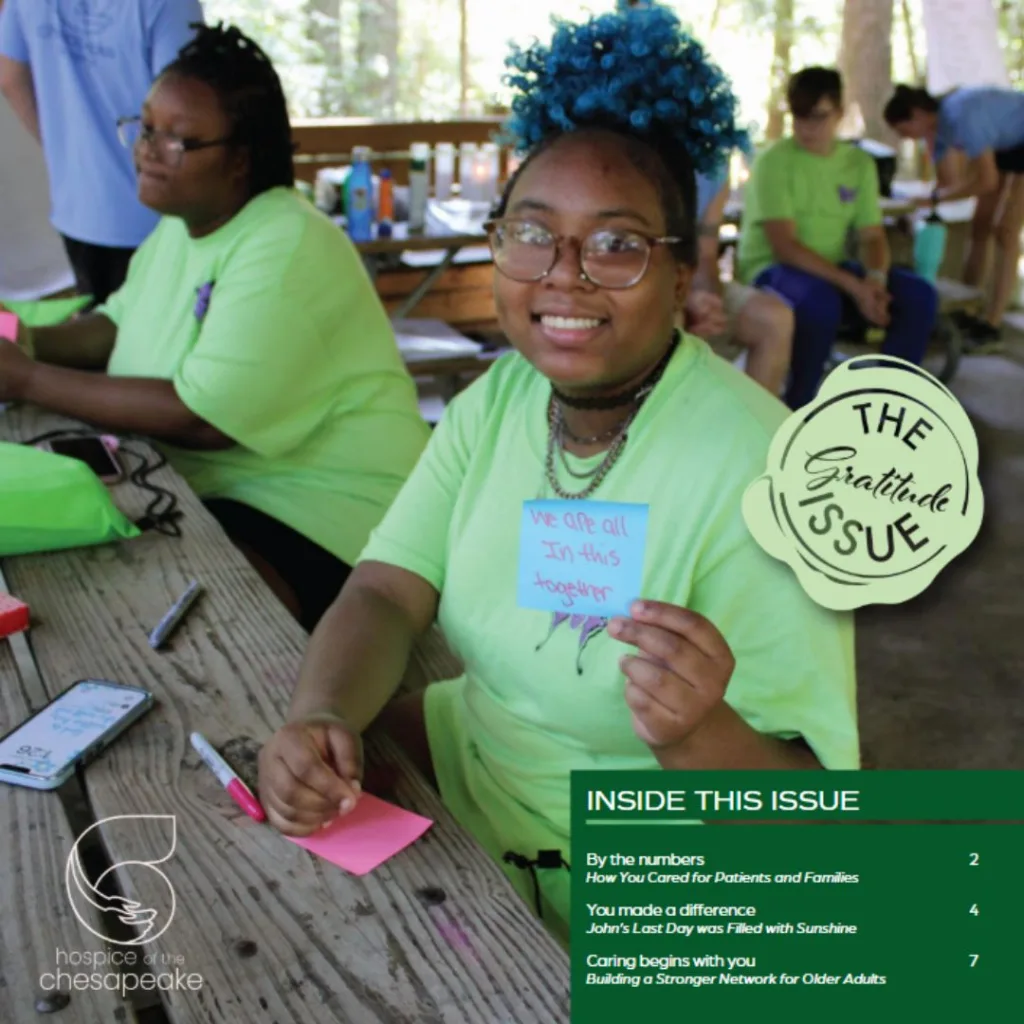
Hospice of the Chesapeake and Partners In Care Unite

We’re honored to share that Partners In Care Maryland, Inc. has been featured in Hospice of the Chesapeake Foundation’s Caring For Life newsletter, highlighting our collaboration and shared commitment to
Read More

Orientation Cancellation Notice – April 25 at 10:00 AM

Good afternoon! We wanted to let you know that the New Member Orientation scheduled for Saturday, April 25 at 10:00 AM at our Anne Arundel location has been canceled. We
Read More

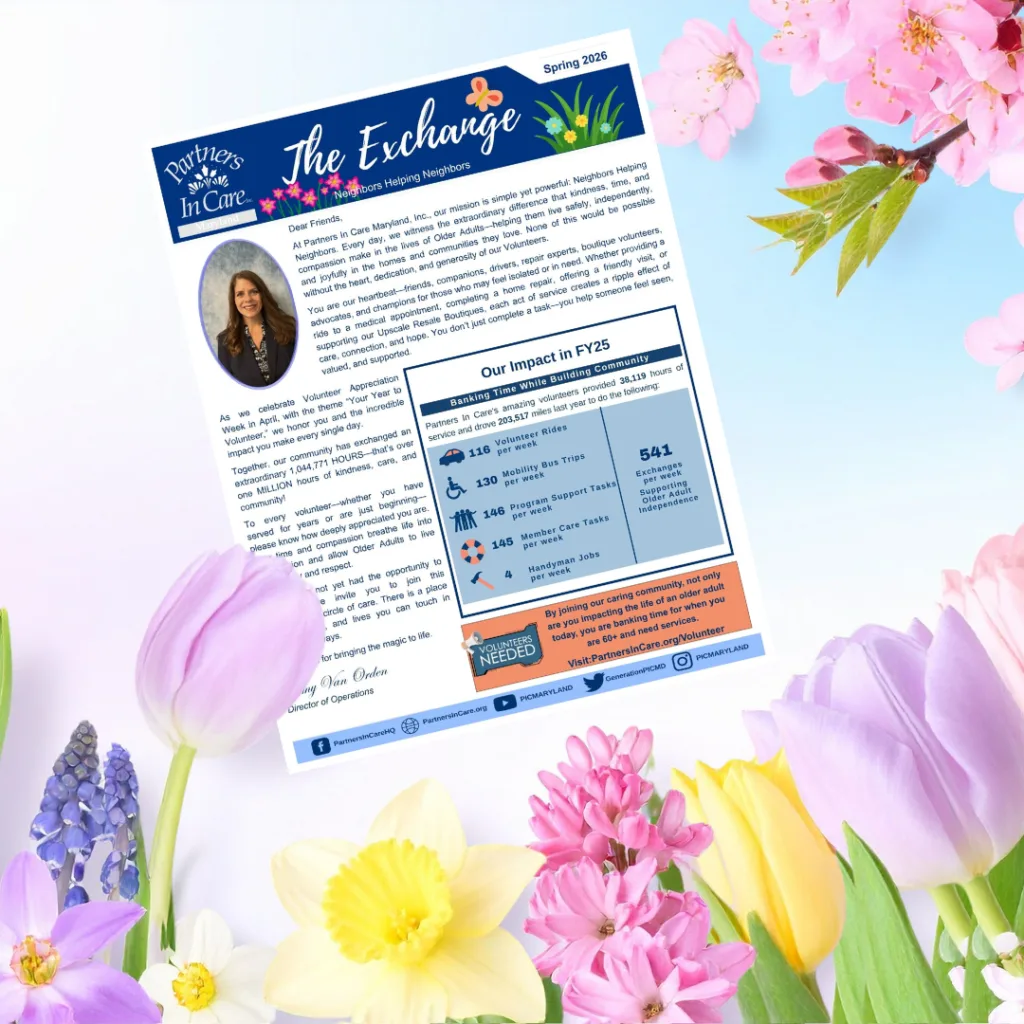
Partners In Care Maryland, Inc. Newsletter The Exchange Spring 2026

Click Here To Read!
Read More

Join our Volunteer Ambassador Program and become a voice for connection in your community.

What if you could make someone feel seen, supported, and connected—just by showing up? 💙 Join our Volunteer Ambassador Program and become a voice for connection in your community. As
Read More

📣 Exciting news! Our 2025 Annual Report is now live! 🎉

📣 Exciting news! Our 2025 Annual Report is now live! 🎉 Discover how Partners In Care Maryland, Inc. continued supporting older adults, strengthening communities, and making an impact throughout the
Read More

Give At Work

State and federal government employees may give through the

Maryland Charity Campaign (#1422) and

the Combined Federal Campaign (#47323). Gifts may also be designated to us through

United Way of Central Maryland (#92476).

Host a Facebook Fundraiser

Starting a Facebook fundraiser is a simple, impactful way to support older adults in your community. Follow these easy steps to create your own:

  1. Log Into Facebook

Go to facebook.com and sign into your personal account.

  1. Go to the Fundraisers Page

From your homepage, look on the left-hand menu and click Fundraisers. If you don’t see it, click See More to expand the list.

  1. Click “Raise Money”

Choose Nonprofit when asked who you’re raising money for.

  1. Search for Partners In Care Maryland, Inc.

Type “Partners In Care Maryland, Inc.” into the search bar and select us from the list.

  1. Set a Goal and End Date

Decide how much you want to raise and when your fundraiser should end.

  1. Click “Create”

Once everything looks good, hit Create — and your fundraiser is live!

  1. Share and Promote

Post about your fundraiser on your timeline and in groups, tag friends, thank donors, and share updates to keep the momentum going.