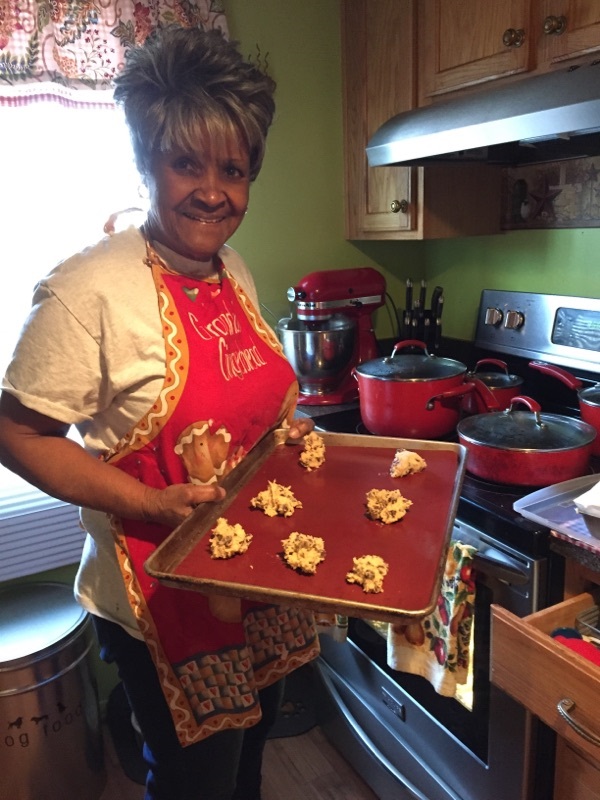
A social learning is an opportunity for PIC to introduce a knowledgeable speaker to members of the organization in a social setting for discussions and engagements on topics of interest for older adults. These topics might include Emergency Preparedness, Assistant Living Locators, Wills and Estates, Preplanning for Celebration of Life, etc… As well as Veterans Events.
Starting a Facebook fundraiser is a simple, impactful way to support older adults in your community. Follow these easy steps to create your own:
Log Into Facebook
Go to facebook.com and sign into your personal account.
Go to the Fundraisers Page
From your homepage, look on the left-hand menu and click Fundraisers. If you don’t see it, click See More to expand the list.
Click “Raise Money”
Choose Nonprofit when asked who you’re raising money for.
Search for Partners In Care Maryland, Inc.
Type “Partners In Care Maryland, Inc.” into the search bar and select us from the list.
Set a Goal and End Date
Decide how much you want to raise and when your fundraiser should end.
Click “Create”
Once everything looks good, hit Create — and your fundraiser is live!
Share and Promote
Post about your fundraiser on your timeline and in groups, tag friends, thank donors, and share updates to keep the momentum going.
Testimonials From Ride Partners
"We have worked with Partners in Care for years and use their vans and crew to transport our assisted living residents to events around the area. Their staff is beyond friendly, accommodating and always willing to exceed expectations and take the utmost care in the safety and enjoyment of our residents. Could not recommend them more highly and we consider ourselves very fortunate to work with such a quality organization."